The Complete Guide to PDS Resources for Modern Designers
By Trupti on 02 Mar 2026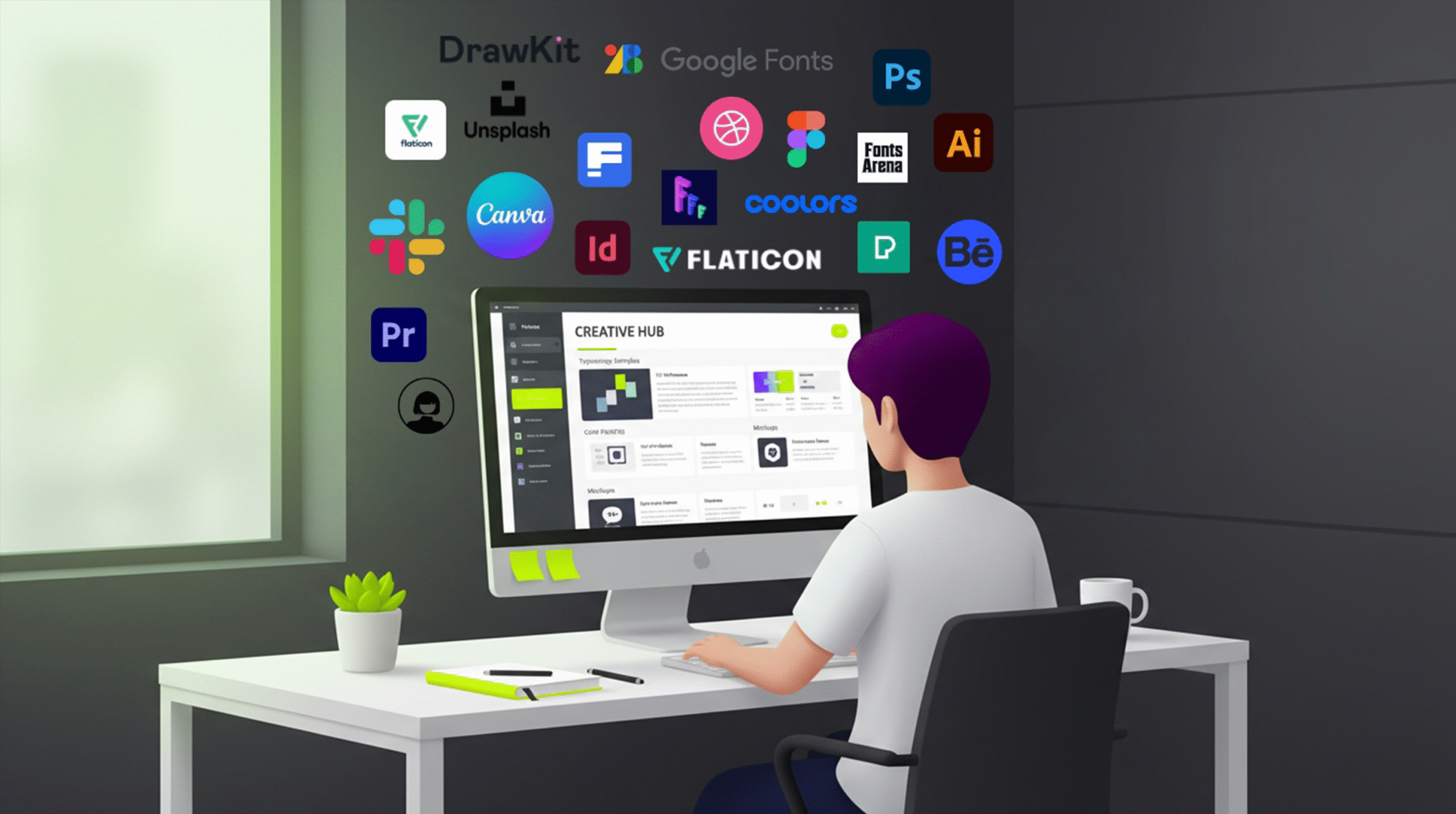
The Complete Guide to Pro Design School Resources for Modern Designers
In today’s fast-evolving creative industry, designers need more than just talent. They need access to reliable tools, curated inspiration, productivity systems, and continuous learning platforms. That’s exactly where the Pro Design School (PDS) Resources page becomes valuable.
Instead of searching endlessly for quality tools across the internet, designers can explore a structured collection of essential creative assets in one place:
👉 Pro Design School Resources
This guide explores how the PDS Resources hub can elevate your workflow, improve productivity, and sharpen your creative edge.
Why Designers Need a Curated Resource Hub
The internet is full of tools. But not all tools are worth your time.
Many designers waste hours testing platforms that:
- Have limited features
- Are not beginner-friendly
- Slow down workflow
- Offer poor-quality assets
A curated resource hub eliminates this problem. The Pro Design School Resources page gathers carefully selected tools across categories like design assets, UI/UX support, productivity software, and creative inspiration.
Instead of experimenting randomly, you can rely on a vetted collection built specifically for designers.
Design Assets That Speed Up Creative Work
One of the strongest advantages of the PDS Resources hub is access to design assets that reduce manual effort.
1. Color & Palette Tools
Choosing the right color combinations defines visual identity. Access to modern palette generators and contrast tools helps designers create accessible, brand-consistent visuals quickly.
2. Icon & Illustration Libraries
Instead of designing every element from scratch, curated icon libraries help you:
- Maintain consistency
- Speed up UI layouts
- Improve presentation quality
3. Mockups & Templates
Professional mockups transform simple designs into realistic presentations. Whether pitching to clients or updating your portfolio, high-quality mockups improve perceived value.
All these categories are accessible via:
👉 Pro Design School Resources
UI/UX Resources for Smarter Interface Design
Modern design is not just about aesthetics—it’s about usability.
The PDS Resources collection includes tools that support:
- Wireframing
- Prototyping
- Interaction design
- UX testing
When combined with industry frameworks like those discussed by Nielsen Norman Group and user-centered design principles from IDEO, these resources help designers build interfaces that are both beautiful and functional.
Designers who understand usability outperform those who only focus on visuals.
Productivity Tools Designers Often Ignore
Creativity thrives when systems are organized.
Many designers struggle not because of lack of talent—but because of poor workflow management.
The PDS Resources hub includes access to tools for:
- Time tracking
- Project organization
- Communication
- File management
- Business operations
When paired with productivity strategies like those outlined by Harvard Business Review, designers can manage workload efficiently while maintaining creative quality.
Design is a profession, not just a passion. Managing it professionally matters.
Inspiration Libraries That Prevent Creative Blocks
Every designer faces creative blocks. The difference between average and great designers lies in how they overcome them.
The Resources page includes curated inspiration sources such as:
- Logo galleries
- UI design showcases
- Typography collections
- Branding examples
Studying real-world design patterns from platforms like Behance and Dribbble enhances visual literacy.
Inspiration should not be copied—but analyzed. Understanding layout systems, spacing logic, and hierarchy improves your own work
How to Use Design Resources Strategically
Having tools is not enough. Knowing how to use them strategically is what creates results.
Step 1: Define the Problem First
Before opening a color generator or mockup site, ask:
What am I trying to solve?
Tools should support thinking—not replace it.
Step 2: Combine Tools Intelligently
Use:
- Palette generators + accessibility checkers
- Wireframe kits + usability testing tools
- Mockups + portfolio storytelling
This integrated approach creates stronger results.
Step 3: Build Your Personal Toolkit
Instead of using everything at once:
- Save your top 5 palette tools
- Choose 2 mockup sources
- Select 1 productivity platform
Minimalism improves efficiency.
Why PDS Resources Matter for Students
Design students often feel overwhelmed by the number of tools available online.
The PDS Resources hub simplifies the learning curve by:
- Reducing decision fatigue
- Offering curated options
- Encouraging structured exploration
Instead of experimenting randomly, students can follow guided resource categories to build skills progressively.
For example:
- Start with color tools
- Move to typography libraries
- Explore UI kits
- Practice with mockups
Why Freelancers Benefit from a Centralized Tool Hub
Freelancers juggle multiple responsibilities:
- Client communication
- Pricing
- Design execution
- Portfolio updates
- Marketing
A centralized resource list reduces friction.
Instead of switching between 20 bookmarked tabs, freelancers can access essential platforms through a single structured resource center.
This improves:
- Project turnaround time
- Presentation quality
- Workflow consistency
Ultimately, better systems lead to better income stability.
Building Future-Ready Designers
The design industry is evolving with automation and AI-assisted workflows. But even in this evolving landscape, designers need foundational tools and curated references.
Platforms like Adobe Creative Cloud and modern design platforms such as Figma remain powerful—but combining them with curated resources accelerates growth.
PDS Resources does not replace thinking.
It supports structured thinking.
That’s the key difference.
Final Thoughts
The Pro Design School Resources page is more than a list of links. It is a curated ecosystem designed to:
- Improve efficiency
- Enhance creativity
- Reduce overwhelm
- Support professional growth
Whether you’re:
- A beginner building foundations
- A freelancer managing projects
- A professional refining workflow
Exploring structured resources makes a measurable difference.
If you haven’t explored it yet, start here:
👉 Pro Design School [PDS] Resources
In a world full of tools, clarity is power.
And curated clarity is even more powerful.
Join Our Mail List
To get latest updates on courses and news regarding education.